
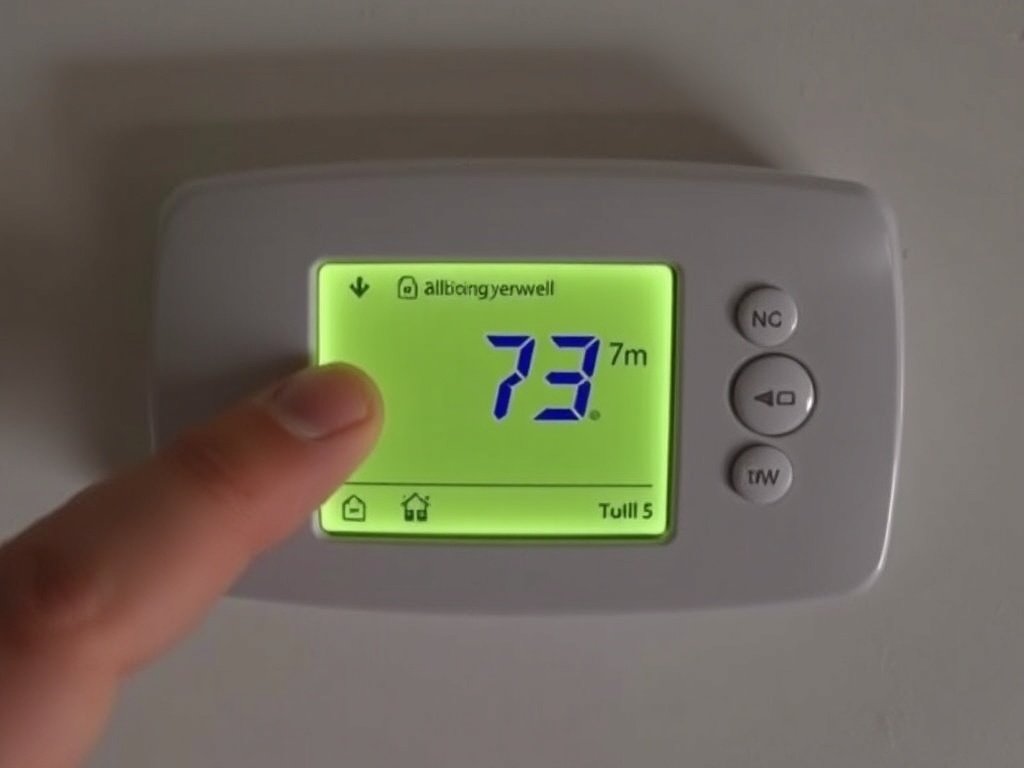
Honeywell Thermostat Not Working: There’s nothing quite like the frustration of walking up to your Honeywell thermostat only to find a blank screen, unresponsive buttons, or realizing your home is freezing because the heat won’t kick on. As a trusted leader in home comfort for decades, Honeywell thermostats are generally reliable, but they aren’t immune to issues.
The good news? You don’t always need to call an expensive HVAC technician right away. Many common problems—from power failures to cooling malfunctions—have simple DIY fixes that can take less than five minutes. In this guide, we’ll walk through the most effective troubleshooting steps to get your Honeywell thermostat back in action.
1. Check the Obvious: Power and Settings
Before diving into complex wiring checks, start with the basics. Sometimes the simplest solution is the right one.
Verify the power supply. Head to your circuit breaker panel and ensure the breaker for your furnace or air handler is in the “On” position. It’s surprisingly common for a breaker to trip without noticeable cause .
Check the system’s power switch. Your furnace or air handler usually has a power switch mounted on the side—often looking like a standard light switch. Ensure it’s flipped to the “On” position .
Inspect the furnace door. Modern furnaces have a safety interlock switch that cuts power when the access panel is removed. Make sure the furnace door is fully closed and securely seated .
Confirm your settings. If your screen is on but the temperature isn’t comfortable, verify the system switch is set to the correct mode:
-
For heat: Set to Heat and ensure the set temperature is higher than the room temperature displayed .
-
For cool: Set to Cool and ensure the set temperature is lower than the room temperature displayed .
2. Decoding the Blank Screen
A blank screen is one of the most alarming issues, but it doesn’t necessarily mean your thermostat is dead. The cause often boils down to power.
Check for a C-wire. Unlike older models that ran solely on batteries, many modern Honeywell thermostats draw continuous power from a “Common” wire, or C-wire. If you don’t have a wire connected to the C terminal on both the thermostat and the furnace, the device may not power on .
Replace the batteries. Even if your thermostat is hardwired, batteries often serve as backup power. If the batteries are dead or corroded, the screen may go blank during a power fluctuation. Remove the faceplate and replace them with fresh ones .
Try a power reset. Gently pull the thermostat faceplate off the wall plate, wait for about one minute, then firmly press it back into place. This can sometimes reboot the internal components .
3. When the Screen Works, But the HVAC System Doesn’t
This is often a configuration or safety issue rather than a hardware failure.
Understand the 5-minute delay. If you see “Wait” on the display or if “Heat On”/”Cool On” is flashing, your thermostat has engaged compressor protection. This built-in feature prevents damage to your HVAC equipment by enforcing a short cycle delay (usually 5 minutes). Just wait—the system will engage shortly .
Check the float switch (for AC issues). If your cooling stops working intermittently and the thermostat goes blank, you might have a clogged condensate drain line. Modern AC units have a float switch that cuts power to the thermostat to prevent water damage when the drain pan fills up. Check the drain line near your indoor air handler and clear any clogs .
Inspect for loose wires. Over time, vibrations can loosen wires. Carefully remove the thermostat faceplate and check that each wire is securely fastened under its terminal screw .
4. Addressing Specific Problems: No Heat or No Cool
If your system is running but the temperature isn’t right, the issue might be specific to your heating or cooling setup.
| Symptom | Likely Cause | Quick Fix |
|---|---|---|
| No Heat | Pilot light/ignition issues or airflow problems. | Check the furnace error lights for blinking codes . |
| No Cool | Outdoor unit not running or wiring issues. | Ensure the outdoor compressor is running. If not, check the Y terminal wiring . |
| Wrong Temperature | Heat pump reversing valve misconfiguration. | Check Function 0190 (Changeover Valve) in installer setup . |
For gas furnaces. Look at your furnace. Most have a sight glass where you can see a blinking LED light. This light flashes in a sequence that acts as an error code. Refer to the furnace’s manual (often printed inside the door panel) to decode the issue .
For heat pumps. If you have a heat pump and it’s blowing cold air in Heat mode (or warm air in Cool mode), the reversing valve may be incorrectly configured. You may need to check the O/B terminal wiring or consult your manual for Function 0190 settings .
5. When to Call a Professional
While DIY troubleshooting is empowering, safety comes first. If you’ve gone through these steps and your Honeywell thermostat is still not working—or if you encounter frayed wires, a burning smell, or tripped breakers that won’t reset—it’s time to call a certified HVAC contractor . Sometimes, the issue lies deep within the furnace or compressor, not the thermostat itself.
Frequently Asked Questions (FAQs) About Honeywell Thermostat Not Working
Q: Why is my Honeywell thermostat not turning on?
A: This is usually a power issue. First, check your circuit breaker and furnace power switch. If those are on, ensure the furnace door is fully closed (safety interlock). Verify you have a C-wire connected for continuous power, or try replacing the backup batteries if your model uses them .
Q: Why does my thermostat screen go blank when the AC turns off?
A: This classic symptom often points to a clogged condensate drain line. A safety float switch in the drain pan detects the rising water from the clog and cuts power to the thermostat to prevent overflow. Check and clear the AC drain line .
Q: How do I reset my Honeywell thermostat?
A: The method varies by model. For many digital models (like the T3/T3R), you can perform a factory reset by simultaneously pressing and holding the Menu and Plus buttons for about three seconds to access the reset menu, then select the factory reset option . For other models, simply removing the faceplate for a minute and reattaching it acts as a soft reset .
Q: Why is my Honeywell thermostat showing “Wait”?
A: This is not an error—it’s a safety feature. Your thermostat is engaging compressor short-cycle protection. After your system turns off, it waits about 5 minutes before turning back on to protect the compressor from damage. No action is needed; just wait .
Q: Why does my thermostat have power but the AC isn’t working?
A: First, make sure the system is set to “Cool” and the set point is below room temperature. Then, check if the outdoor condenser unit is running. If the outdoor unit is silent, there may be a wiring issue at the thermostat’s Y terminal (which controls cooling) or a problem with the outdoor unit’s breaker .
Q: How often should I change my thermostat batteries?
A: Even for hardwired units that use batteries as backup, it’s a good practice to replace them once a year. Many people do this when they change their clocks for daylight saving time. Low batteries can cause intermittent issues or a blank screen .